Free Online Meetings Work, With a Ceiling
Most small teams start with free online meetings, and both Zoom and Google Meet offer a free plan. The information in this article was checked on the official pages on 5 November 2026. Terms can change, so open the official page again before you decide.
Free Plan Limits
| Zoom (Basic) | Google Meet (free Google account) | |
|---|---|---|
| Max participants | 100 | 100 |
| Longest group meeting | 40 minutes | 60 minutes |
| Source | Zoom Meetings product page | Google Meet product page |
Google Meet also states that 1:1 calls have no time limit.
If you need longer or larger meetings, you have to pay. For price details, see How Much Does Zoom Cost? Compared With Google Meet.
How to Choose for Your Team
Questions that help you decide:
- How often do you meet, and for how long? If meetings often pass 40 minutes, free Meet lasts longer (60 minutes), but if they regularly pass an hour you need to look at the paid plans from either company
- Which accounts does your team already have? If everyone has a Google account, starting a meeting with Meet takes the least effort
- Who joins? If clients or outsiders are used to Zoom, using the tool they know reduces friction
- Do you need recording or extra features? Check each company's pricing page, because plans differ
There isn't one answer for every team. Many teams use both, depending on who is attending.
Tips to Finish Within the Free Time Limit
- Send the agenda and documents in advance so meeting time isn't spent on basics
- Have one person watch the clock and summarize decisions five minutes before the limit
- If a question can be answered in a message, don't schedule a meeting. See Running Effective Online Meetings
- For a recurring daily meeting, fix one short time, such as a stand-up under 15 minutes
When the Problem Isn't the Meeting Tool
Some teams switch from Zoom to Meet, or the other way round, and the problem stays. The real problem is that everything becomes a scheduled meeting, even a quick question. Signs you may want an online office as an extra layer:
- A small question means creating a link and waiting for people to join
- Calendars fill with short meetings
- Members can't tell who is free or already talking
- The team feels distant because there's no chance for informal conversation
This layer doesn't replace scheduled meetings. See Online Office vs Zoom + Slack for how to divide the jobs between tools.
Zyra's Limits to Know Before You Try
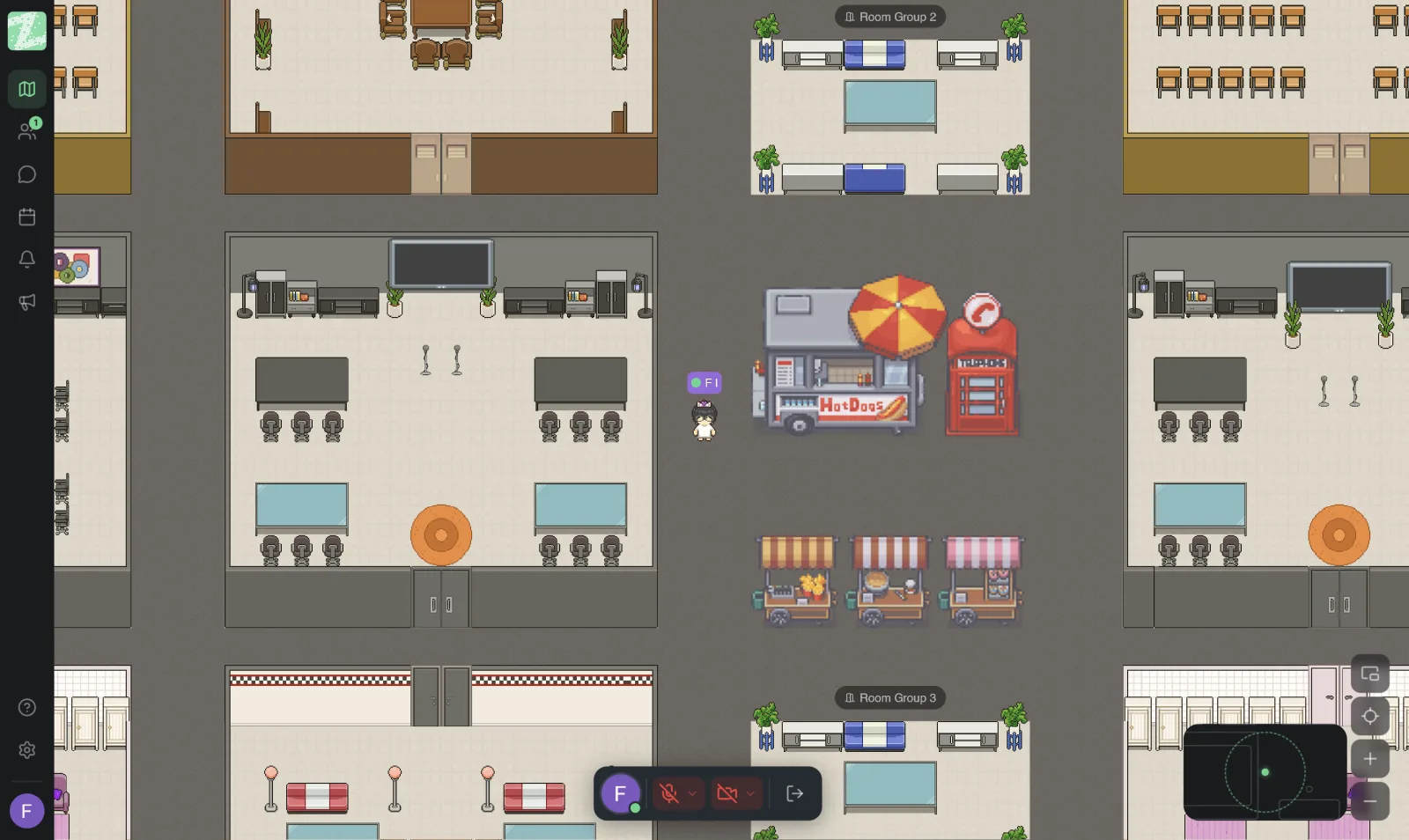
Zyra is an online office that runs in the browser. The Free plan supports teams of up to 25 people and has direct messages and proximity chat, while screen sharing, video calls, channels and threads are in the Pro plan, which the pricing page says is coming soon. It shouldn't replace the tool you use for meetings with clients or people outside your team. See Zyra vs Zoom.
Related reading: Online Classrooms and Office Hours in a Virtual Office
Sources and further reading
Frequently Asked Questions
How many people can join a free online meeting?
Both Zoom Basic and Google Meet (free Google account) support up to 100 participants, according to the official pages on 5 November 2026.
How long can a free online meeting last?
Zoom Basic allows group meetings of up to 40 minutes. Free Google Meet allows group meetings of up to 60 minutes, and 1:1 calls have no time limit.
What is the difference between Zoom and Google Meet?
On the free plans, the difference is the length of group meetings (40 against 60 minutes), and Meet is tied to a Google account. For the other features, check each company's official pages.
What other free meeting tools are there?
This article compares only Zoom and Google Meet, whose details were checked on the official sites. Check any other tool's terms on its own website before you use it.
Where should a small team start?
Start with the tool everyone already has an account for. Try it for two to three weeks, then see whether the problem is meeting length or the fact that everything has to be scheduled. If it's the latter, try adding an online office. See Set Up Your First Virtual Office in 10 Minutes.
Add a Layer of Togetherness Without Dropping Your Meeting Tool
Try Zyra free for teams of up to 25 members. It runs in the browser with nothing to install.
Start using Zyra free for teams of up to 25 members
Try Zyra with your team
Free for up to 25 members. It runs in your browser, so there is nothing to install, and there are Android and iOS apps too.