
What Remote Work Means
Remote work means doing your job without being in the company's office. People may work from home, a cafe, a coworking space or another city, as long as they work with the team and deliver what was agreed.
Three terms are often mixed up:
| Term | Short meaning |
|---|---|
| Remote work | Working from anywhere that isn't the office; there may be no shared office at all |
| Work from home | Working mainly from home; one form of remote work |
| Hybrid | Splitting time between the office and elsewhere, such as two office days a week |
Each team picks its own mix. Some start with hybrid or a few work-from-home days, while others, such as startups, software houses or agencies, work fully remote.
What to Agree Before You Start
Most remote-work problems aren't about tools. They are about things the team never agreed on. Answer these clearly first.
- Hours when everyone is online together, for example 10:00 to 15:00, with the rest of the day at each person's own rhythm
- The channel for each kind of message: where urgent things go, where things that don't need an immediate reply go, and where the team keeps conclusions
- How you measure work: by what is delivered, not by hours online. See Track Remote Work Without Micromanaging
- Meetings: what should be a meeting and what can be a message. See Running Effective Online Meetings
- Onboarding: who a new person should meet, which tools they use, and whom to ask when stuck. See Remote Onboarding
Tools Remote Teams Commonly Use
Each group of tools solves a different problem. You don't need all of them on day one.
| Group | Used for | Example jobs |
|---|---|---|
| Chat and messaging | Talk that doesn't need an immediate reply | Announcements, short questions |
| Video meetings | Meetings scheduled in advance | Client meetings, team meetings with an agenda |
| Task management | Tracking who is doing what | Boards, to-do lists |
| Documents | Keeping knowledge and conclusions | Guides, decision records |
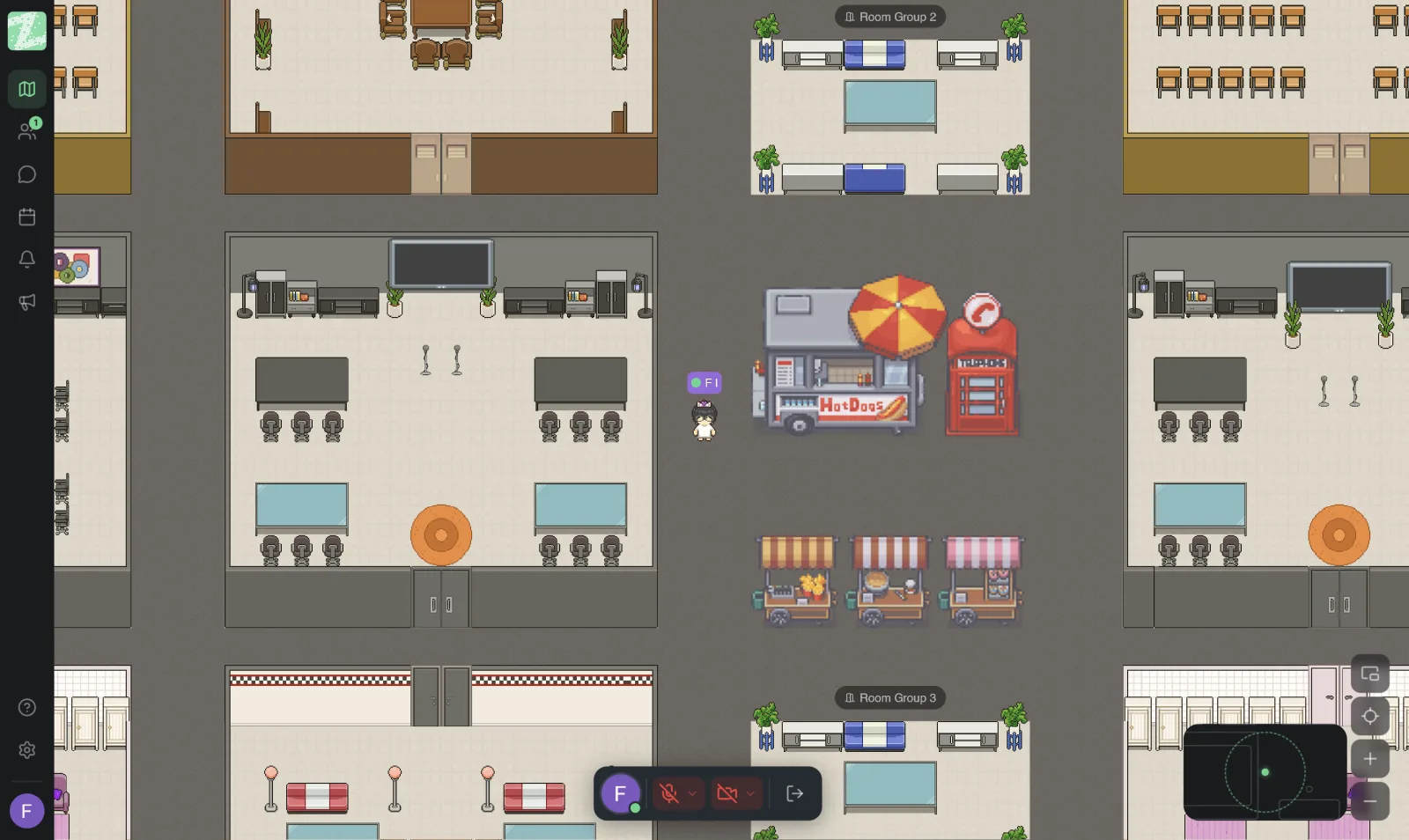
| Online office | Letting the team see who is free and talk fast without scheduling | Quick questions, team stand-ups |
If everything seems to turn into a scheduled meeting, or the team feels distant, try adding an online office as an extra layer. See What Is an Online Office? How It Differs From Google Meet and Async Work.
A 4-Week Plan to Start Remote Work
A hypothetical plan for a team that is just starting.
- Week 1: agree on shared online hours, the channel for each kind of message and the basic rules. Write them in a document everyone can reach.
- Week 2: try it with one small team. Note what gets stuck and what goes well.
- Week 3: adjust the rules based on what you learned. Start a short weekly chat about how it feels and what is in the way.
- Week 4: roll it out to the whole team and set a review rhythm, such as monthly.
Other Things to Check
- Law and employment terms: see Work From Home Law and Guidelines in Thailand and consult a labor-law professional when you write a real policy
- Data security: see Remote Work, Data Security and PDPA
- Loneliness and team connection: see Loneliness in Remote Work
Sources and further reading
Frequently Asked Questions
How is remote work different from work from home?
Work from home means working from your home. Remote work means working from anywhere that isn't the office, including home, cafes and coworking spaces.
How is remote work different from hybrid?
Remote work may have no shared office at all, while hybrid splits time between the office and elsewhere. Many teams start with hybrid. See Hybrid Work.
What tools does a small team need?
Three are enough to start: chat, video meetings, and a place for documents or tasks. Add others when the team hits a specific problem, such as short questions turning into meetings often.
How do we know whether the team is ready for remote work?
Look at whether the team has clear goals and a way to hand over work, whether people can communicate in writing, and whether there is a place everyone can reach for information. If not, write the rules first, before choosing tools.
How can Zyra help a remote team?
Zyra is an online office that runs in the browser. It lets the team see who is where and walk over to talk. The Free plan supports teams of up to 25 members. Screen sharing, video calls, channels and threads are in the Pro plan, which the pricing page says is coming soon, so use it alongside the meeting and work tools your team already uses. See the pricing page.
Add a Layer of Togetherness for Your Remote Team
Try Zyra free for teams of up to 25 members. It runs in the browser with nothing to install.
Start using Zyra free for teams of up to 25 members
Try Zyra with your team
Free for up to 25 members. It runs in your browser, so there is nothing to install, and there are Android and iOS apps too.