The Online Event Where Everyone Stares at a Screen, Then Quietly Leaves
Picture this: a 25-person company holds an online year-end event with a showcase of each team's work. Everything happens in a single meeting room. The first team finishes, the second takes over, and the audience has other work open on the side. When it ends, people close the window. Nobody talks to anyone, even though the whole point was for teams to get to know each other's work.
An event on a map takes a different approach. Instead of everyone watching one stage, each team sets up a "booth" and attendees walk around and visit whatever interests them, like a small trade show. Attendees choose where to stop and how long to chat.
This article suggests how to apply that idea to small events, such as internal team gatherings, small workshops and project showcases, along with the limits to know before you plan.
An Honest Scope Before You Start
Zyra's Features and pricing pages do not state a capacity for large events, do not list features for outside guests, and do not list event-specific tools such as registration or audio and video recording. This article is therefore limited to small events.
- The Free plan supports up to 25 members, which suits small team events or a trial run of your event.
- The Pro plan is listed with unlimited members and 5 workspaces, but the pricing page lists it as coming soon.
- If you want to run an event with many attendees or outside guests, contact our team to ask whether it suits your event. Don't assume.
When a Map Suits the Event
| Event type | Good fit for a map? | Why |
|---|---|---|
| Internal showcase across several teams | Good fit | Attendees walk from booth to booth and can ask questions right away |
| Workshop split into small groups | Good fit | Each group uses its own room, then everyone regroups |
| Internal team social | Good fit | People can chat in groups as they move around, without being stuck in one room |
| Seminar with one speaker and a large audience | Not recommended as the main format | A single-stage format suits live-streaming tools better |
| Event needing registration and check-in of outside guests | Not stated | There is no confirmed feature information; contact the team first |
Plan the Event Step by Step
1. Define the Goal Before Designing the Map
Ask what you want attendees to get out of it, such as learning about other teams' work, trying an activity together, or giving feedback on something specific. The goal determines the number of rooms and booths. If the goal is for people to talk to each other, cut stage time and add more time for walking around and visiting.
2. Design the Map Around the Rooms You Have
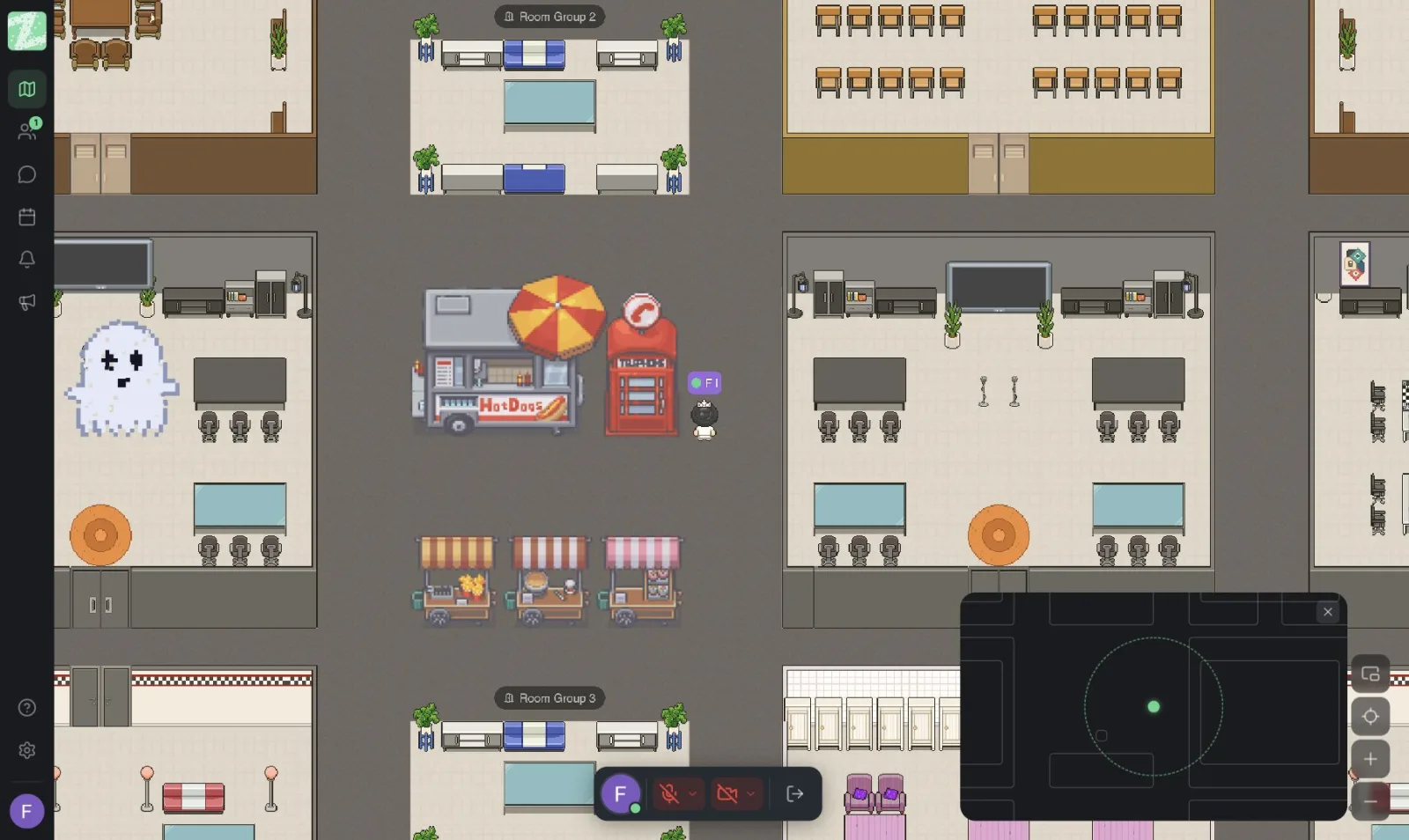
The Free plan includes 3 rooms per workspace. One example layout:
- Welcome room. The starting point, where you share the schedule and ground rules.
- Booth or activity room. Gathers the showcase zone or the main activity.
- Lounge room. A place for people to drop in and chat outside the schedule.
If you need more rooms or want to design your own map, Space Builder is in the Pro plan, which is not yet available. In the meantime, choose from the 3 templates provided. For more on designing a map, see Set Up Your Team's First Online Office in 10 Minutes.
3. Assign a Host to Each Station
Each booth and room needs one host to greet people who walk in and answer questions. A lead host for the whole event looks after the big picture, such as announcing times, finding people who have gone missing, and wrapping up at the end. Splitting the work this way keeps the load from landing on one person.
4. Rehearse at Least Once Before the Day
Have every host try the map, check that audio and microphones work, and know where they should stand. Read about proximity chat manners in Etiquette for Talking in a Virtual Office, because the sound from neighboring booths may overlap if booths are placed too close together.
5. Share the Ground Rules at the Start
Use the welcome room to cover four things: the schedule, where each booth is, how to walk around and talk by proximity, and who the hosts are in case anyone has a problem. When everyone knows the rules, the first stretch isn't spent sorting out how to use the tool.
6. Close by Bringing Everyone Together
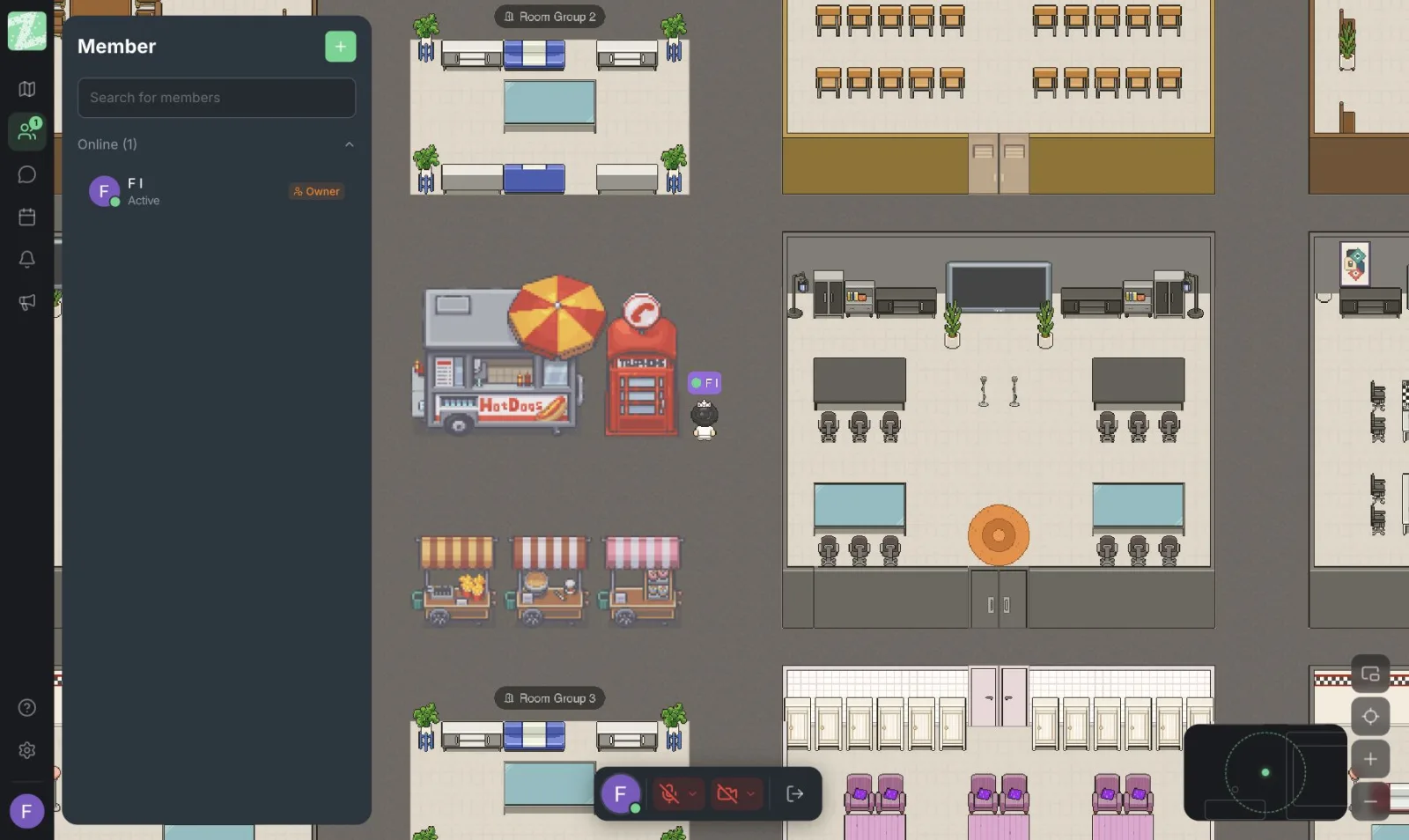
When the visiting time is over, have everyone return to one room, summarize what they learned, and announce the next steps, such as who follows up on what. Record the summary in a task management tool, because chat is not the place to keep a team's main conclusions.
What to Prepare Outside the App
- The schedule and the link to join. Send these in advance, and recommend a modern browser and a microphone test.
- A backup plan. Have another way to reach people if some can't get in, such as LINE (a popular messaging app in Thailand) or email.
- Recording the event. The Features page does not mention audio and video recording. If you want to keep the content, use a separate tool and ask attendees for permission first.
For a workshop focused on learning, see more in Online Workshops and Training, and for team relationship-building activities, see Online Team-Building Activities.
Sources and further reading
Frequently Asked Questions
How many attendees does it support?
The Features and pricing pages do not state an event capacity. The Free plan supports up to 25 members, and Pro is listed with unlimited members but is not yet available. If you want to run a larger event, contact our team to ask before you plan.
Can I invite outside guests?
The Features page does not currently list a feature built for outside guests. For events that need outside guests, ask the team first.
Do I need Space Builder?
Not for a small event. Choosing a provided template and using rooms and name labels to set up zones is enough. Space Builder is in the Pro plan, which is not yet available.
Is there a registration or ticketing tool?
The Features page does not list one. Use another tool for registration and send the join link to the people who register.
Can it replace live-streaming tools?
Not recommended for events built around one speaker and a large audience. A map suits events where people need to walk around, talk and split into groups.
Try a Small Event With Your Team First
Start with a short event inside your team of up to 25 people, such as a monthly showcase, and see whether walking between booths gets people talking more. You can set up a workspace for free, and it runs in the browser with nothing to install.
Start using Zyra for free with a team of up to 25
Try Zyra with your team
Free for up to 25 members. It runs in your browser, so there is nothing to install, and there are Android and iOS apps too.