
Quick answer: for a shared online office where a new hire can find their buddy and walk over to ask, look at Zyra World. For another spatial office, look at Gather. For an open-source, self-hosted option, look at WorkAdventure. For small-group welcome sessions, look at SpatialChat. This guide compares tools for remote onboarding by how new hires get help in their first weeks and meet the team. For the full market list with prices and free plans, see the 10 best virtual office software platforms compared.
- Zyra World suits teams that want new hires to see who is around and ask a buddy in seconds.
- Gather is also a spatial office with avatars and nearby conversations.
- WorkAdventure is open source and can be self-hosted, which needs technical upkeep.
- SpatialChat suits welcome sessions with small conversation groups.
Disclosure: this article is written by the Zyra World team, and Zyra World is our own product, so read the comparison with that in mind.
This is a feature-fit comparison based on each vendor's public descriptions. We did not run benchmarks or tests, and the right choice depends on your team.
Why this matters
In an office, a new hire learns by being near people. They overhear how problems get solved, ask the person at the next desk, and get pulled into lunch. Remote new hires often sit alone with a document list and a calendar of intro calls. Many hesitate to message a busy colleague with a "small" question.
A virtual office gives the new hire a place to see the team and a buddy they can walk up to. However, it only helps if the onboarding plan uses it on purpose.
What makes good virtual office software for remote onboarding?
- Visible buddy: the new hire can see their buddy and walk over without booking.
- Low-pressure questions: asking feels like a quick word, not a formal meeting.
- Team intros: short, easy meetings with people across the team.
- Screen sharing: show how a tool or process works, live.
- Written backup: essential information also lives in the onboarding docs.
- Easy start: a new hire can join on day one with nothing to install.
Onboarding options at a glance
| Software | Best for | Standout feature | Watch out for |
|---|---|---|---|
| Zyra World | Buddy onboarding in a shared space | Avatars, proximity audio, chat and screen sharing | Plan the first week; presence alone is not onboarding |
| Gather | Map-based introductions | Avatar spaces with nearby conversations | A large map can confuse new people |
| WorkAdventure | Open-source workspace control | Self-hosted spatial environment | Needs technical setup and upkeep |
| SpatialChat | Small-group welcome sessions | Rooms with conversation groups | More event-like than an everyday office |
1. Zyra World: buddy onboarding in a shared space
Zyra World puts the whole team on one office map. The new hire sits near their buddy, sees who is around, and walks over to ask. Meeting rooms hold intro chats, and screen sharing shows how tools work. It runs in the browser, with iOS, Android and Mac apps too.
How it fits the first week
- Day 1: a welcome walk around the office map with the buddy.
- Days 1-5: two short buddy check-ins a day, plus "walk over any time".
- Week 1: 15-minute intros with people from other teams in a meeting room.
- On the other hand, keep the onboarding checklist in writing so nothing depends on being online.
Best for: teams of up to 25 people who want buddy-style onboarding (Free plan), with Pro coming soon for larger teams.
2. Gather: map-based introductions
Gather offers avatar spaces where people talk with those nearby. Some teams build a welcome area with signs for new joiners.
- A themed welcome area can make day one memorable.
- However, a big, detailed map can feel confusing in the first days.
Best for: teams that want to invest in a custom welcome map.
3. WorkAdventure: open-source workspace control
WorkAdventure is an open-source spatial environment that you can self-host.
- Full control over hosting and data location.
- Still, someone has to install, update and support it.
Best for: technical teams that want to run their own environment.
4. SpatialChat: small-group welcome sessions
SpatialChat organises people into rooms with conversation groups.
- Good for a welcome session where new hires meet several people in small groups.
- Yet it is more of an event space than an everyday office.
Best for: cohort onboarding sessions.
Make the workspace support the onboarding plan
Use the same plan with any tool:
- Before day 1: add the new hire, send the link, and pick a buddy.
- Day 1: welcome walk, set up audio, first task with the buddy.
- Week 1: two buddy check-ins a day and 3-5 short intros.
- Weeks 2-4: fewer check-ins, more independent work, one weekly chat with the manager.
- Day 30: ask the new hire what helped and what was missing.
Our 30-day onboarding checklist has the full list.
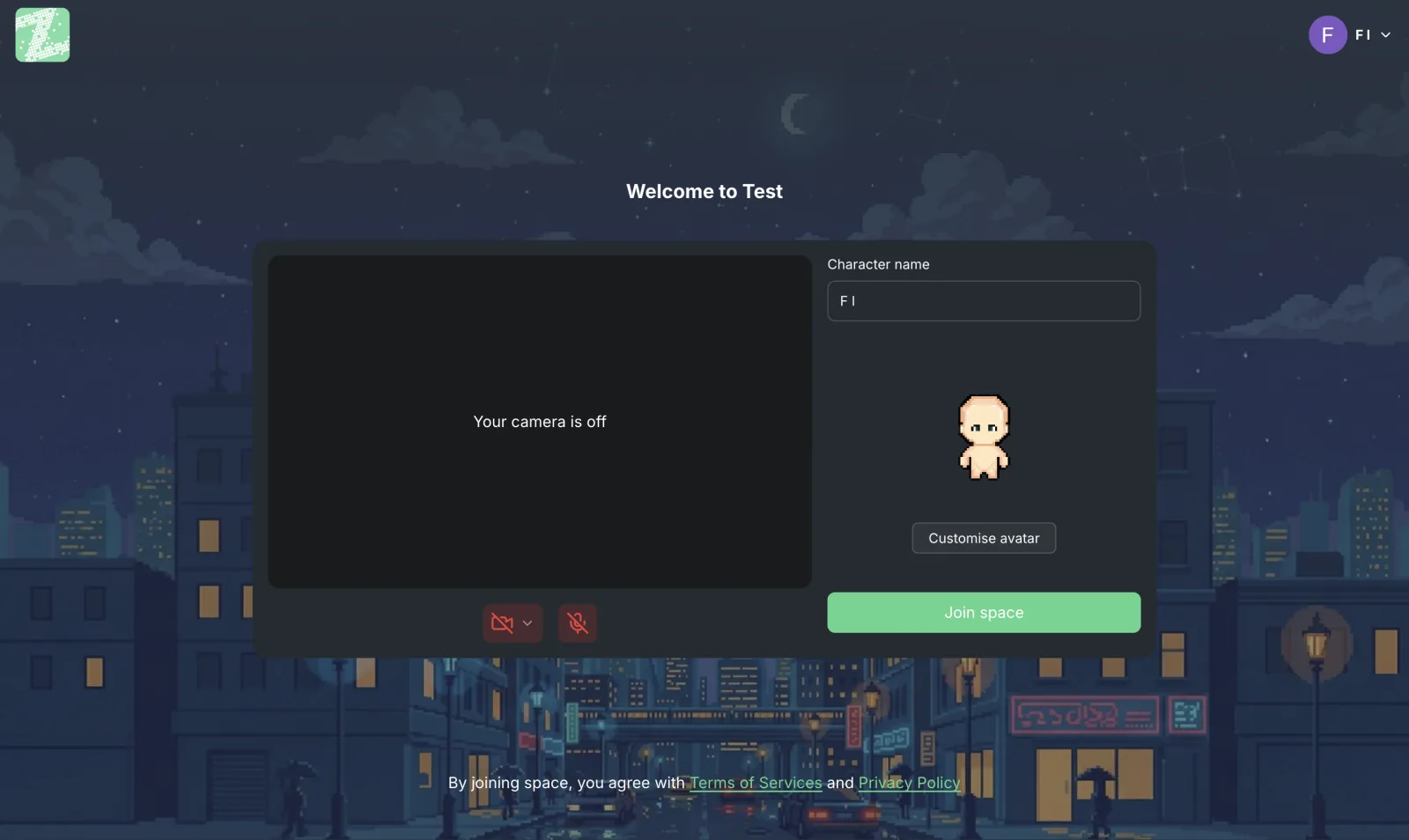
How we framed this comparison
The order reflects fit for buddy-style remote onboarding, not a measured ranking. Zyra World is first because it is our product and was built for this kind of everyday office. The others are good alternatives with different strengths.
Which virtual office software should you choose?
Choose a shared online office when new hires hesitate to ask small questions. Choose a self-hosted tool when control over hosting matters more than setup effort. In every case, keep the onboarding checklist in writing.
Sources and further reading
- Zyra World plans and Free plan limits (checked November 2026)
- Gather (checked November 2026)
- WorkAdventure on GitHub (checked November 2026)
- SpatialChat (checked November 2026)
Frequently asked questions
What is the best virtual office software for remote onboarding?
It depends on your plan. Zyra World fits buddy-style onboarding where new hires walk over to ask. Self-hosted tools fit teams that need control over hosting.
Does a virtual office replace an onboarding checklist?
No. Keep the checklist, accounts and policies in writing. The virtual office makes asking for help easier.
How often should a buddy check in?
Twice a day in week 1 is a good start, then less often. Also tell the new hire they can walk over any time.
Do new hires need to install anything?
Not for Zyra World: it runs in the browser, with iOS, Android and Mac apps as options.
How big can the team be?
Zyra World's Free plan covers teams of up to 25 members. Pro is coming soon for larger teams.
One last thing
The best onboarding test is simple: in week 2, does the new hire ask questions without hesitating? Design the first week around making that easy.
Keep Reading
- Onboarding New Employees Online: A 30-Day Checklist So New Hires Don't Drift Away
- Set Up Your Team's First Online Office in 10 Minutes: A Step-by-Step Guide
- How to Manage a Remote Team and Keep It a Team: A Guide for New Managers
- Online Team Building Activities Your Team Actually Wants to Join: 12 Ideas That Aren't Boring
Try Zyra With Your Team
Try Zyra free for teams of up to 25 members. It runs in the browser with nothing to install, so your next new hire can join on day one.
Start using Zyra free for teams of up to 25 members
Try Zyra with your team
Free for up to 25 members. It runs in your browser, so there is nothing to install, and there are Android and iOS apps too.